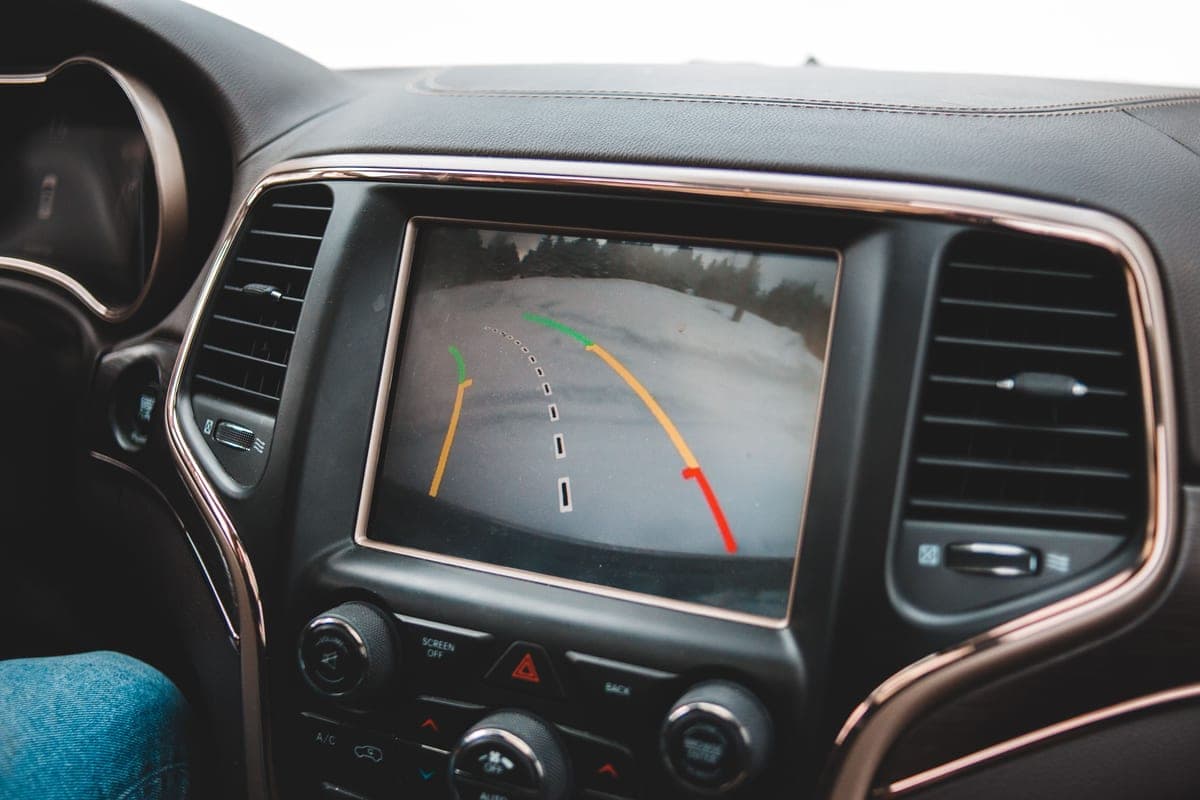
We are going to say something up front that the rest of this category does not. There are dash cam publications that have been testing these devices hands-on for over a decade, with real footage comparisons across lighting conditions and measured parking-mode power draw. We are not one of them and we are not going to pretend to be.
What we can do — and what those publications mostly skip — is the part that trips people up before the camera is ever switched on: what the specifications mean, what parking mode actually requires, what installation costs, and what the law says about sticking a camera to your windshield. That is what this section is.
The four specs that decide what you get
| Spec | What it means | How much it matters |
|---|---|---|
| Sensor (e.g. Sony STARVIS 2) | The imaging chip. Decides low-light performance, which decides whether a plate is readable at night. | The most important spec, and often unlisted |
| Resolution (4K, 2.5K, 1080p) | Pixel count. Sets the ceiling on detail; the sensor decides whether you reach it. | Important, but only alongside the sensor |
| Supercapacitor vs battery | How the camera stores enough power to close the file safely when the car cuts out. | Critical for anything living on a hot windshield |
| Operating temperature range | Whether it survives a summer dashboard and boots on a winter morning. | Rarely published — two cameras here state one |
Supercapacitor, and why it is not marketing
A lithium battery in a device suction-cupped to a windshield in Arizona is a bad idea, and every serious maker in this category has moved away from it. Batteries swell and degrade at sustained high temperature; supercapacitors tolerate it. A capacitor holds less energy, which is fine, because all it has to do is keep the camera alive long enough to close the current video file cleanly when power is cut.
Two cameras in this section publish the temperature range their capacitor is rated for — one at -20°F to 176°F, one at -22°F to 158°F. A windshield in direct summer sun goes well past 140°F, so those upper figures are not theoretical.
Quick picks
| # | Product | Best for | Price |
|---|---|---|---|
| 1 | 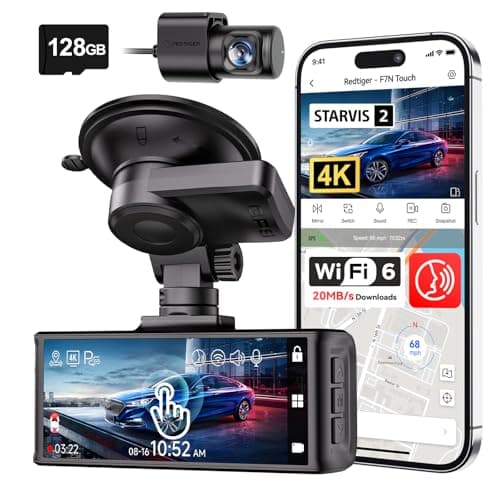 REDTIGER F7N Touch 4K Front + Rear Dash CamSTARVIS 2 sensor, 4K front, supercapacitor, GPS and a touch screen. On paper this is the most complete specification on this page. REDTIGER F7N Touch 4K Front + Rear Dash CamSTARVIS 2 sensor, 4K front, supercapacitor, GPS and a touch screen. On paper this is the most complete specification on this page. | The best-specified sensor here | $169.99 · View on Amazon #ad Price as of October 25, 2026. How we’re funded |
| 2 | 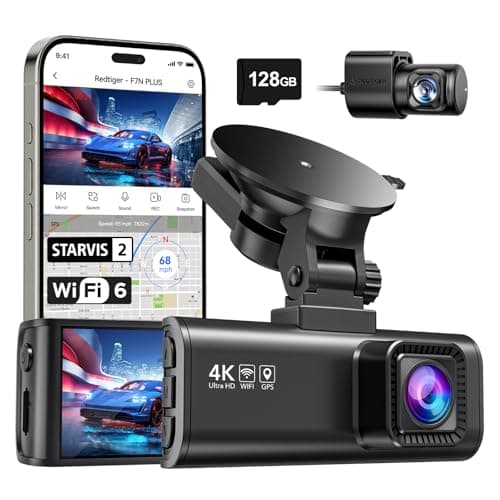 REDTIGER F7NP 4K Front + Rear Dash Cam, 24H Parking ModeThe only camera here whose listing states plainly that 24-hour parking mode needs a hardwire kit — which is true of all of them and admitted by almost none. REDTIGER F7NP 4K Front + Rear Dash Cam, 24H Parking ModeThe only camera here whose listing states plainly that 24-hour parking mode needs a hardwire kit — which is true of all of them and admitted by almost none. | Parking surveillance, done honestly | $149.98 · View on Amazon #ad Price as of October 25, 2026. How we’re funded |
| 3 | 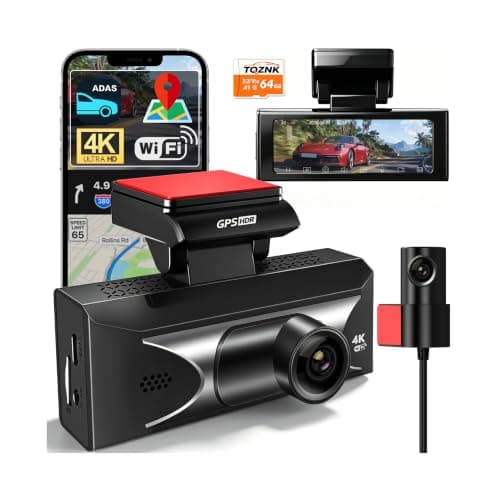 TQZNK 4K Front + 2.5K Rear Dash Cam with ADAS2.5K at the back rather than the usual 1080p, plus a supercapacitor rated from -22°F to 158°F — the widest published temperature range on this page. TQZNK 4K Front + 2.5K Rear Dash Cam with ADAS2.5K at the back rather than the usual 1080p, plus a supercapacitor rated from -22°F to 158°F — the widest published temperature range on this page. | The best rear resolution here | $89.97 · View on Amazon #ad Price as of October 25, 2026. How we’re funded |
| 4 | 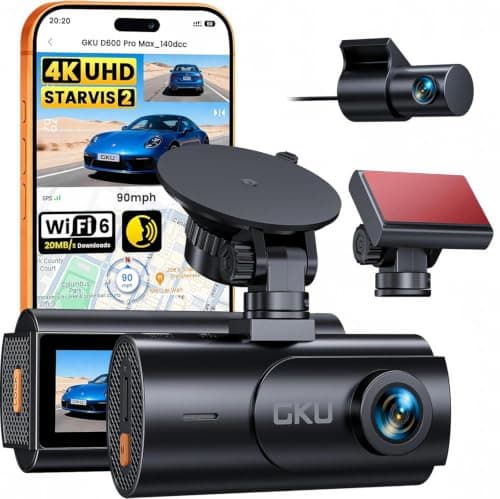 GKU D600 Pro Max 4K Dual Dash Cam, STARVIS 2The cheapest camera on this site that names its sensor rather than quoting megapixels — a Sony STARVIS 2, which is the part that decides whether a plate is readable at night. GKU D600 Pro Max 4K Dual Dash Cam, STARVIS 2The cheapest camera on this site that names its sensor rather than quoting megapixels — a Sony STARVIS 2, which is the part that decides whether a plate is readable at night. | A named sensor at the bottom of the price range | $79.99 · View on Amazon #ad Price as of October 25, 2026. How we’re funded |
#1 · The best-specified sensor here
REDTIGER F7N Touch 4K Front + Rear Dash Cam
REDTIGER
STARVIS 2 sensor, 4K front, supercapacitor, GPS and a touch screen. On paper this is the most complete specification on this page.
STARVIS 2 is Sony's low-light sensor line and it is the specification that actually decides whether a night plate is readable. Resolution without sensor quality gives you a very sharp picture of nothing.
A supercapacitor instead of a lithium battery is the right choice for a device that lives on a windshield. Batteries swell and fail in summer heat; capacitors tolerate it.
Parking mode on a G-sensor trigger records on impact. It does not record the person who keyed your door and walked away — that needs a motion or time-lapse mode and, usually, a hardwire kit.
What works
- STARVIS 2 sensor, published
- Supercapacitor rather than a battery
- 5 GHz Wi-Fi transfers footage far faster than 2.4 GHz
- 128 GB card included
What does not
- Rear camera is 1080p, not 4K
- Parking mode is impact-triggered rather than continuous
- No published operating temperature range on this listing
Skip this if
Skip it if you want true 24-hour parking surveillance. That needs continuous power and a hardwire kit, and this is not sold as that.
Where these numbers came from
We have not handled this product. Here is what we did instead.
#2 · Parking surveillance, done honestly
REDTIGER F7NP 4K Front + Rear Dash Cam, 24H Parking Mode
REDTIGER
The only camera here whose listing states plainly that 24-hour parking mode needs a hardwire kit — which is true of all of them and admitted by almost none.
Every 24-hour parking claim in this category assumes constant power. Your cigarette lighter socket usually dies with the ignition, so the camera dies with it.
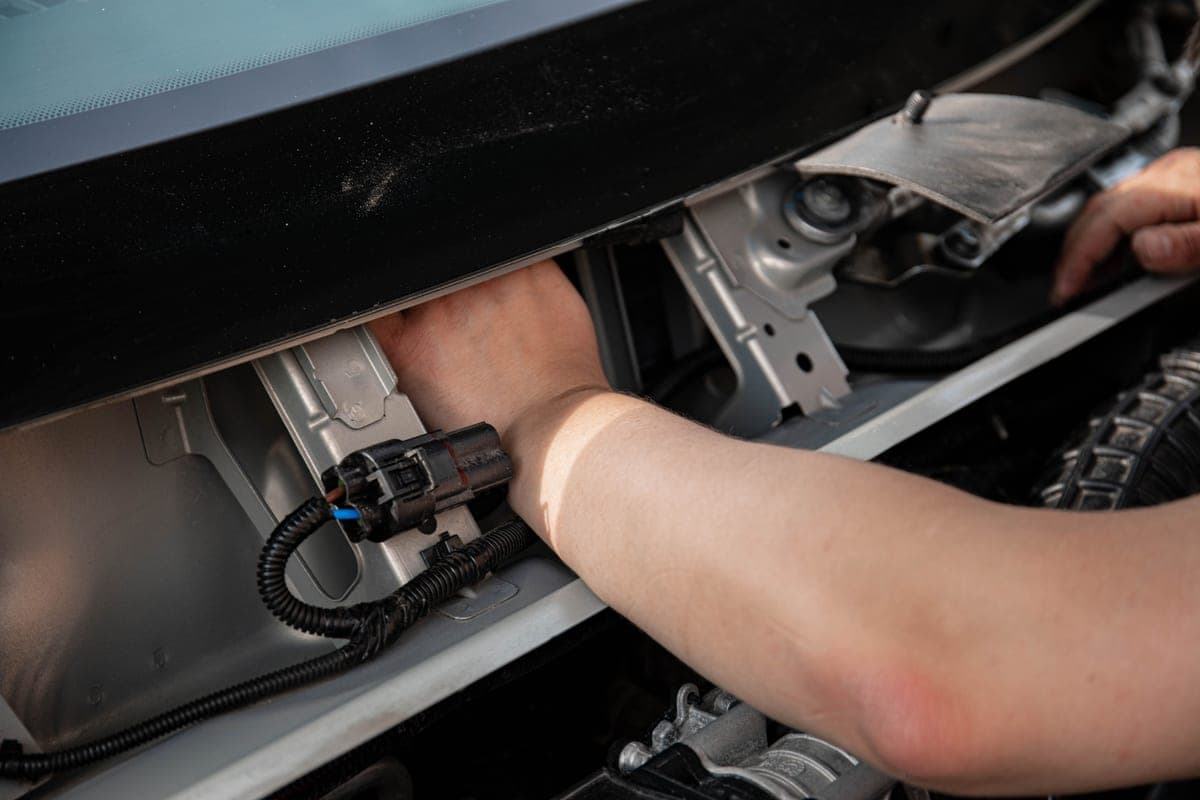
A hardwire kit taps a fuse that stays live and includes a low-voltage cutoff so the camera stops before it flattens your battery. Budget for the kit and, if you are not comfortable behind a fuse panel, for the fitting.
REDTIGER saying this in the product title is the single most honest line in this category, and it is why this camera is on the page.
What works
- States the hardwire requirement up front
- STARVIS 2 sensor
- 5.8 GHz Wi-Fi
- Card included
What does not
- The hardwire kit is an extra purchase and an extra job
- Rear resolution not stated as 4K
- Fuse-tap installation voids nothing but does require care
Skip this if
Skip it if you will not hardwire it. Without constant power you have bought a driving camera, and the cheaper models on this page do that too.
Where these numbers came from
We have not handled this product. Here is what we did instead.
#3 · The best rear resolution here
TQZNK 4K Front + 2.5K Rear Dash Cam with ADAS
TQZNK
2.5K at the back rather than the usual 1080p, plus a supercapacitor rated from -22°F to 158°F — the widest published temperature range on this page.
Rear resolution is where this category cuts corners, and the rear camera is the one that films the car that rear-ends you. 2.5K is a real upgrade over 1080p for reading a plate at night.
-22°F matters if you park outside in a northern winter. A camera that will not boot at -10°F is not recording your morning commute.
ADAS on a $100 dash cam is a lane-departure beep, not a driver aid. Treat it as noise you can switch off.
What works
- 2.5K rear
- Widest published temperature range here
- 5.8 GHz Wi-Fi and a 64 GB card included
What does not
- ADAS is marketing rather than a safety system
- Newer listing with less history
- 24H parking still assumes constant power
Skip this if
Skip it if you park in a garage in a mild climate — you are paying for cold-weather margin you will not use.
Where these numbers came from
We have not handled this product. Here is what we did instead.
#4 · A named sensor at the bottom of the price range
GKU D600 Pro Max 4K Dual Dash Cam, STARVIS 2
GKU
The cheapest camera on this site that names its sensor rather than quoting megapixels — a Sony STARVIS 2, which is the part that decides whether a plate is readable at night.
A named sensor is the one specification that predicts night performance, and at this price it is usually the first thing to disappear behind a megapixel number. STARVIS 2 is the current Sony low-light part and it is stated outright here.
Pre-recording is the parking feature worth understanding. An impact trigger starts recording once something has already hit you; pre-recording keeps a rolling buffer, so you get the thirty seconds before the hit as well as after it.
Read the HDR line carefully, because it is a trade the listing states and most buyers miss: HDR only runs with the front camera alone. Plug the rear camera in and you lose it.
What works
- Names a Sony STARVIS 2 sensor rather than publishing megapixels
- Three parking modes including a pre-event buffer
- 5.8 GHz Wi-Fi 6 at up to 20 MB/s, the fastest transfer figure on this page
- Supercapacitor and built-in GPS
What does not
- No memory card in the box on this version
- HDR is unavailable whenever the rear camera is connected, per the listing
- Parking mode needs a hardwire kit sold separately
- 1080p rear
Skip this if
Skip it if you want to unbox it and drive. There is no card in this version and no hardwire kit, so budget for both before the headline features work.
Where these numbers came from
We have not handled this product. Here is what we did instead.
Front-only, front and rear, or more
The rear camera is the one that films the vehicle that rear-ends you, which is the single most common at-fault scenario a dash cam is bought for. That makes rear resolution more important than most buyers assume — and it is where this category cuts corners hardest. Most 4K cameras pair a 4K front with a 1080p rear. Two on this page do better, and it is worth paying for.
Storage, which people underestimate
Before you mount it: check your state
Dash cams are legal across the United States. Where they are mounted is a different question, because several states restrict what may be attached to a windshield and where on the glass, generally through statutes about obstructing the driver's view. Some states specify a corner and a maximum size in square inches. Mounting behind the rear-view mirror is the placement least likely to fall foul of any of it. The legality guide goes into what varies and how to check your own state.
How we picked these
On published specification only. We have not tested a dash cam, we do not own a test rig, and we do not compare footage — the publications that do are better at it than we would be. Every figure printed here comes from the maker's own listing and is cited on the card, unpublished fields are marked as unpublished, and every pick names someone who should skip it.
Sources
Everything on this page traces back to one of these. Where a figure could not be sourced, the page says so rather than filling the gap.