How you power a dash cam decides three things: whether parking mode works at all, whether there is a cable visible across your dashboard, and how much of the car's electrical system you have to touch. There are three options and they trade against each other cleanly.
| Cigarette socket | OBD-II adapter | Hardwire kit | |
|---|---|---|---|
| Supports parking mode | Usually not — socket dies with the ignition | Yes | Yes |
| Low-voltage cutoff | No | Usually built into the adapter | Yes, on any decent kit |
| Visible cable | Yes, unless you tuck it | Yes, shorter run | No |
| Occupies a port you may need | The 12 V socket | The diagnostic port | Nothing |
| Requires touching a fuse box | No | No | Yes |
| Removable in seconds | Yes | Yes | No |
| Best for | Rental cars, temporary use | Parking mode without wiring work | A permanent, tidy install |
The socket: fine, and only for driving
Plug it in, tuck the cable around the windshield trim, done. This is the right answer for a rental, a car you are selling, or anyone who only wants footage while the wheels are turning. On most vehicles the socket is switched with the ignition, so parking mode is not available — and on the minority of vehicles where it is always live, a camera plugged into it will happily flatten the battery because nothing is watching the voltage.
OBD: constant power without opening anything
An OBD-II adapter plugs into the diagnostic port under the dashboard, which is permanently live, and most include a voltage cutoff. It gets you parking mode with no fuse work and no trim removal, and it is genuinely the easiest route to a functioning parking mode.
The costs are real though. It occupies the port a mechanic needs, some cars keep modules awake when the port is drawing current, and the cable run is still visible unless you tuck it. Take the adapter out before a diagnostic appointment.
Hardwire: the tidy answer
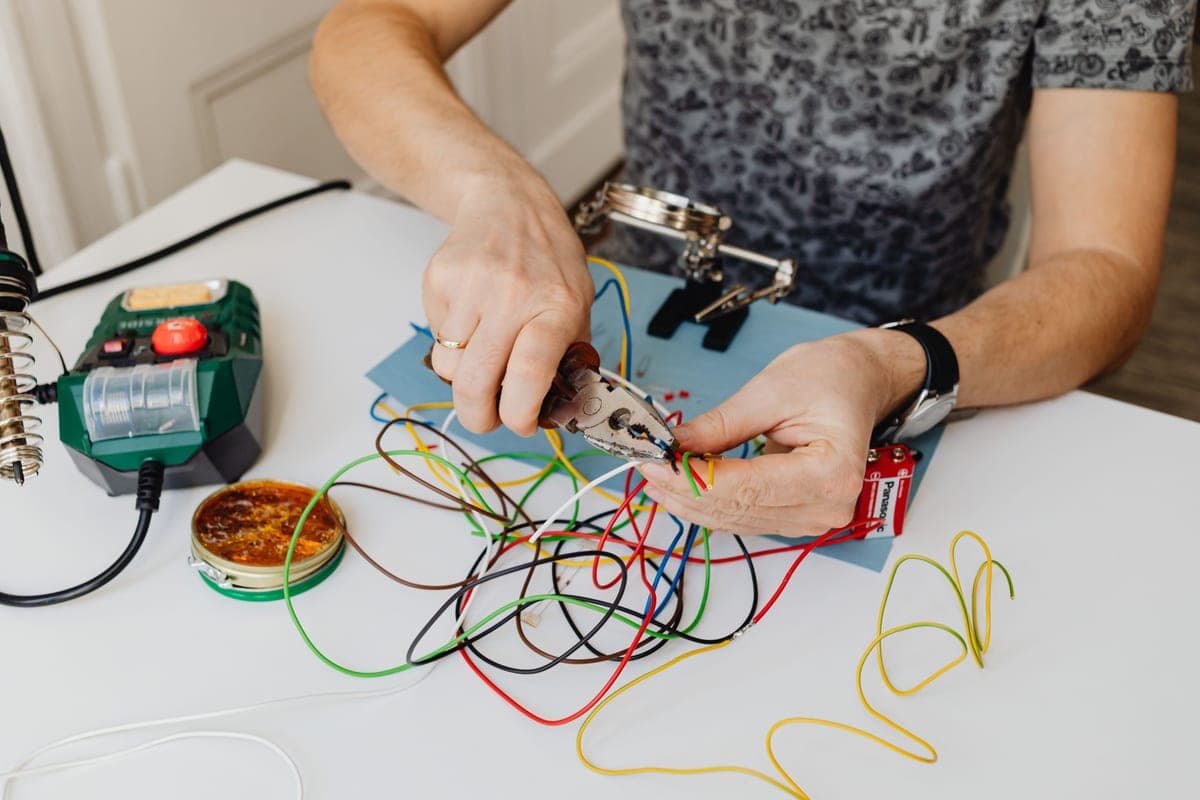
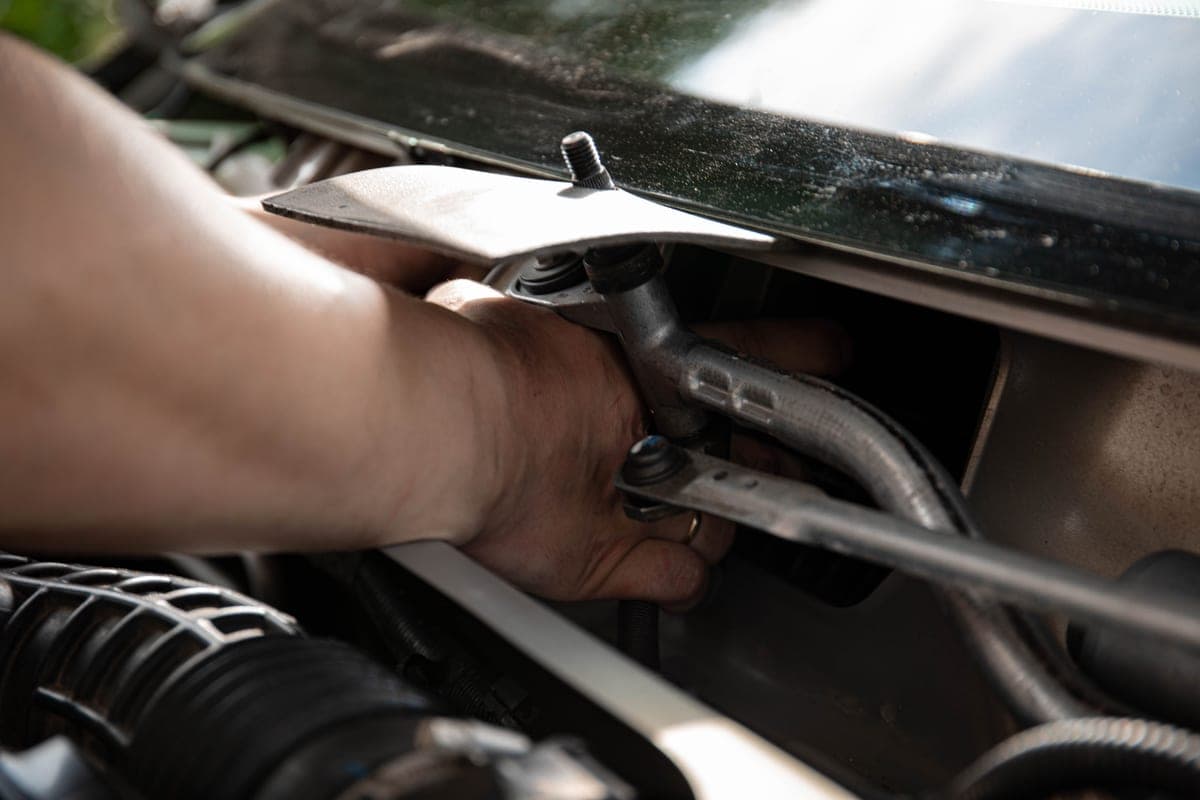
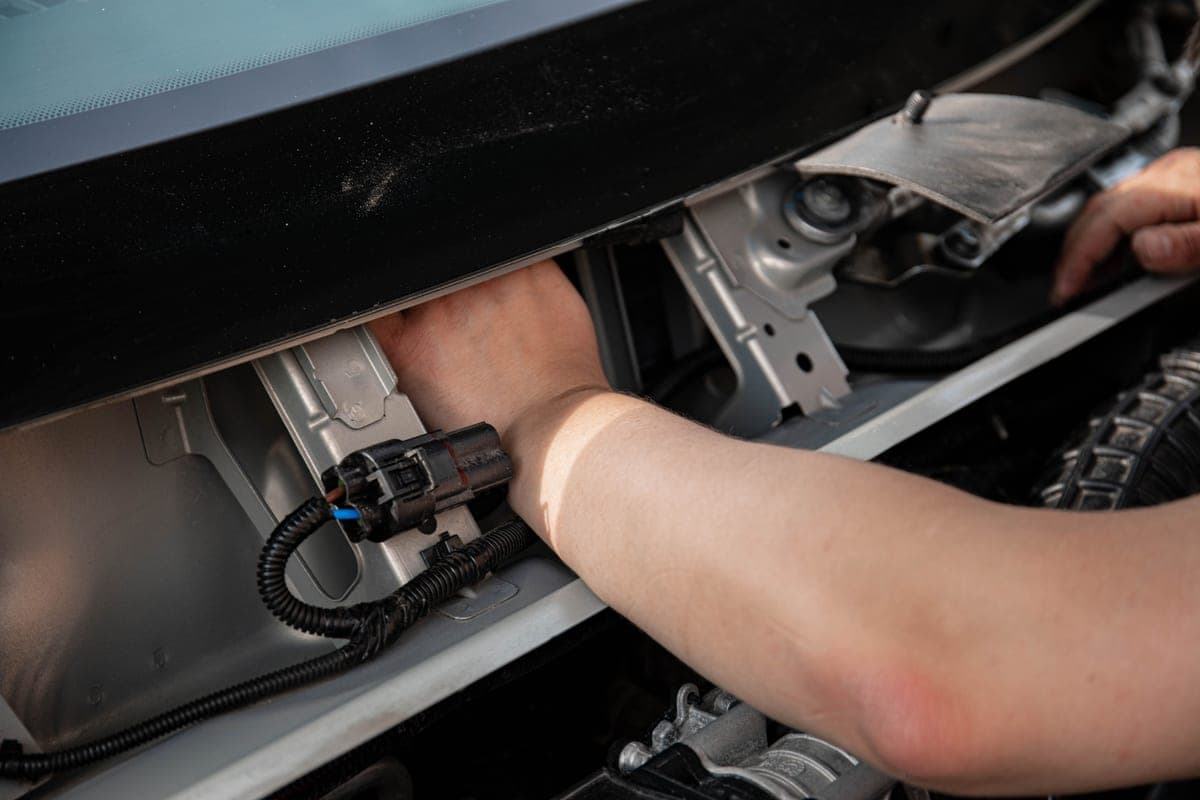
Two fuse taps and a ground. One tap on a fuse that stays live, one on a switched fuse so the camera knows whether the engine is running, and a ground to bare metal. The cable then runs behind the headliner and down the A-pillar, so nothing is visible at all.
Quick picks
| # | Product | Best for | Price |
|---|---|---|---|
| 1 | 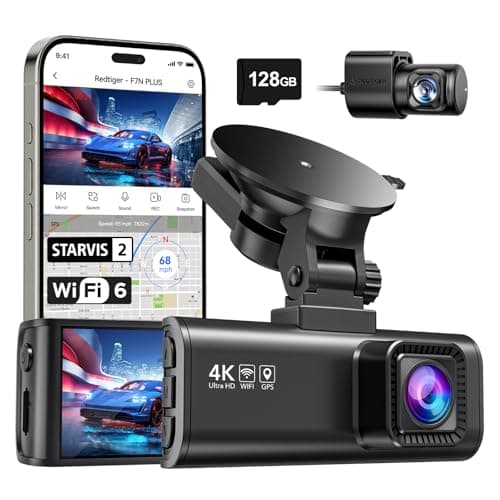 REDTIGER F7NP 4K Front + Rear Dash Cam, 24H Parking ModeThe only camera here whose listing states plainly that 24-hour parking mode needs a hardwire kit — which is true of all of them and admitted by almost none. REDTIGER F7NP 4K Front + Rear Dash Cam, 24H Parking ModeThe only camera here whose listing states plainly that 24-hour parking mode needs a hardwire kit — which is true of all of them and admitted by almost none. | Parking surveillance, done honestly | $149.98 · View on Amazon #ad Price as of October 25, 2026. How we’re funded |
| 2 | 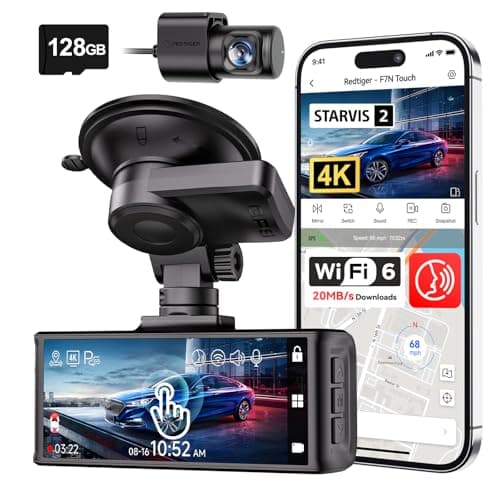 REDTIGER F7N Touch 4K Front + Rear Dash CamSTARVIS 2 sensor, 4K front, supercapacitor, GPS and a touch screen. On paper this is the most complete specification on this page. REDTIGER F7N Touch 4K Front + Rear Dash CamSTARVIS 2 sensor, 4K front, supercapacitor, GPS and a touch screen. On paper this is the most complete specification on this page. | The best-specified sensor here | $169.99 · View on Amazon #ad Price as of October 25, 2026. How we’re funded |
| 3 | 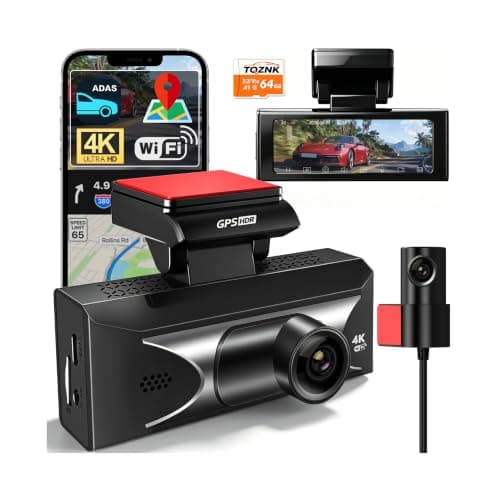 TQZNK 4K Front + 2.5K Rear Dash Cam with ADAS2.5K at the back rather than the usual 1080p, plus a supercapacitor rated from -22°F to 158°F — the widest published temperature range on this page. TQZNK 4K Front + 2.5K Rear Dash Cam with ADAS2.5K at the back rather than the usual 1080p, plus a supercapacitor rated from -22°F to 158°F — the widest published temperature range on this page. | The best rear resolution here | $89.97 · View on Amazon #ad Price as of October 25, 2026. How we’re funded |
#1 · Parking surveillance, done honestly
REDTIGER F7NP 4K Front + Rear Dash Cam, 24H Parking Mode
REDTIGER
The only camera here whose listing states plainly that 24-hour parking mode needs a hardwire kit — which is true of all of them and admitted by almost none.
Every 24-hour parking claim in this category assumes constant power. Your cigarette lighter socket usually dies with the ignition, so the camera dies with it.
A hardwire kit taps a fuse that stays live and includes a low-voltage cutoff so the camera stops before it flattens your battery. Budget for the kit and, if you are not comfortable behind a fuse panel, for the fitting.
REDTIGER saying this in the product title is the single most honest line in this category, and it is why this camera is on the page.
What works
- States the hardwire requirement up front
- STARVIS 2 sensor
- 5.8 GHz Wi-Fi
- Card included
What does not
- The hardwire kit is an extra purchase and an extra job
- Rear resolution not stated as 4K
- Fuse-tap installation voids nothing but does require care
Skip this if
Skip it if you will not hardwire it. Without constant power you have bought a driving camera, and the cheaper models on this page do that too.
Where these numbers came from
We have not handled this product. Here is what we did instead.
#2 · The best-specified sensor here
REDTIGER F7N Touch 4K Front + Rear Dash Cam
REDTIGER
STARVIS 2 sensor, 4K front, supercapacitor, GPS and a touch screen. On paper this is the most complete specification on this page.
STARVIS 2 is Sony's low-light sensor line and it is the specification that actually decides whether a night plate is readable. Resolution without sensor quality gives you a very sharp picture of nothing.
A supercapacitor instead of a lithium battery is the right choice for a device that lives on a windshield. Batteries swell and fail in summer heat; capacitors tolerate it.
Parking mode on a G-sensor trigger records on impact. It does not record the person who keyed your door and walked away — that needs a motion or time-lapse mode and, usually, a hardwire kit.
What works
- STARVIS 2 sensor, published
- Supercapacitor rather than a battery
- 5 GHz Wi-Fi transfers footage far faster than 2.4 GHz
- 128 GB card included
What does not
- Rear camera is 1080p, not 4K
- Parking mode is impact-triggered rather than continuous
- No published operating temperature range on this listing
Skip this if
Skip it if you want true 24-hour parking surveillance. That needs continuous power and a hardwire kit, and this is not sold as that.
Where these numbers came from
We have not handled this product. Here is what we did instead.
#3 · The best rear resolution here
TQZNK 4K Front + 2.5K Rear Dash Cam with ADAS
TQZNK
2.5K at the back rather than the usual 1080p, plus a supercapacitor rated from -22°F to 158°F — the widest published temperature range on this page.
Rear resolution is where this category cuts corners, and the rear camera is the one that films the car that rear-ends you. 2.5K is a real upgrade over 1080p for reading a plate at night.
-22°F matters if you park outside in a northern winter. A camera that will not boot at -10°F is not recording your morning commute.
ADAS on a $100 dash cam is a lane-departure beep, not a driver aid. Treat it as noise you can switch off.
What works
- 2.5K rear
- Widest published temperature range here
- 5.8 GHz Wi-Fi and a 64 GB card included
What does not
- ADAS is marketing rather than a safety system
- Newer listing with less history
- 24H parking still assumes constant power
Skip this if
Skip it if you park in a garage in a mild climate — you are paying for cold-weather margin you will not use.
Where these numbers came from
We have not handled this product. Here is what we did instead.
What a hardwire kit costs
Published figures from installer-facing sources put hardwire kits themselves in a $20 to $50 range. The install-cost guide has the labour figures alongside that, with the sources named and dated — because a price on a page is only useful if you can see where it came from and when.
How we picked these
Cameras whose listings are clear about what their parking mode requires, since that is the decision this page exists to inform. Every specification is from the maker's own listing and cited on the card. Nothing here is an electrical instruction — if you are unsure about your fuse box or your pillar trim, pay someone.
Sources
Everything on this page traces back to one of these. Where a figure could not be sourced, the page says so rather than filling the gap.