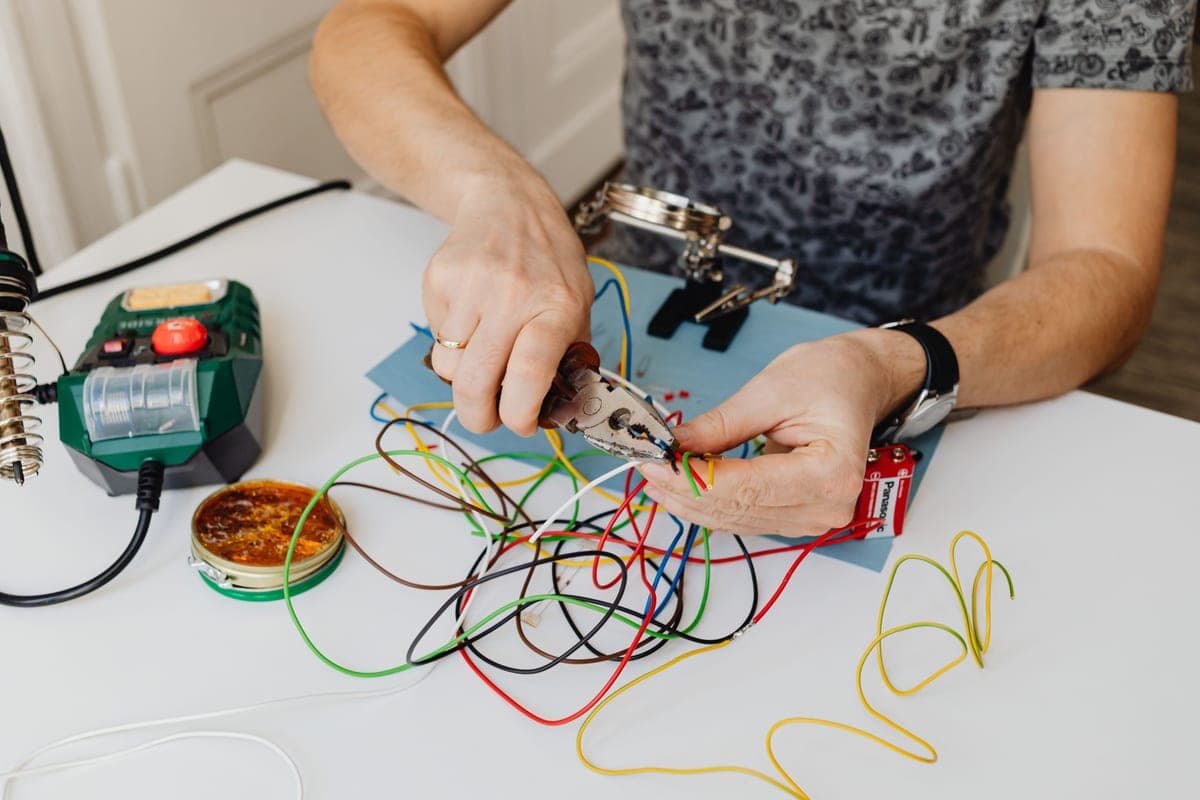
This is a cost page, so the rule we hold ourselves to matters more here than anywhere: every figure below is quoted from a named published source with the date we checked it, and none of it is our own estimate. Prices change; a number without provenance is worse than no number.
The published figures
| Item | Published range | Source |
|---|---|---|
| Hardwire kit (part only) | $20 – $50 | WOLFBOX, REDTIGER install-cost guides |
| Professional install, typical | $50 – $200 | WOLFBOX install-cost guide |
| Professional install, comprehensive | $150 – $300 | REDTIGER install-cost guide |
| Labour, hourly | $50 – $100 / hr | REDTIGER install-cost guide |
| Labour, hardwired install | $50 – $150 | Techsbook install-cost guide |
| Typical clean hardwired install, all-in | $80 – $130 | Techsbook install-cost guide |
| Large metro shops | $90 – $140 | Techsbook install-cost guide |
| Smaller towns | $60 – $100 | Techsbook install-cost guide |
What drives the number
- One channel or two. A rear camera means a cable run to the tailgate through a hinge grommet, which is most of the extra labour on a two-channel install.
- Socket, OBD or hardwire. A socket install is minutes. A hardwire is fuse taps, a ground, and trim work.
- Whether the wiring is hidden. Tucking a cable behind the headliner and down a pillar takes real time and is most of what you are paying for.
- Your vehicle. Some fuse boxes are accessible; some are behind a panel that has to come off first.
- Where you are. The published ranges above show large metro shops quoting meaningfully higher than smaller towns.
Quick picks
| # | Product | Best for | Price |
|---|---|---|---|
| 1 | 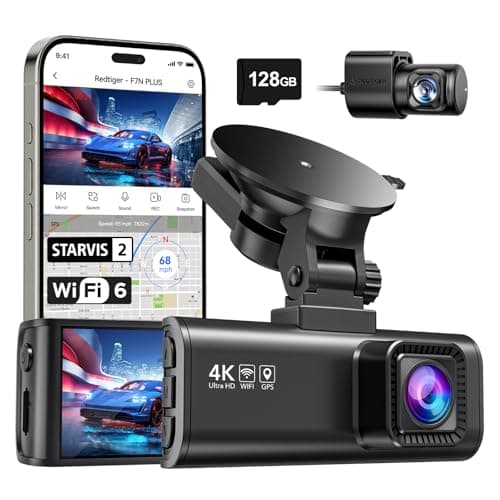 REDTIGER F7NP 4K Front + Rear Dash Cam, 24H Parking ModeThe only camera here whose listing states plainly that 24-hour parking mode needs a hardwire kit — which is true of all of them and admitted by almost none. REDTIGER F7NP 4K Front + Rear Dash Cam, 24H Parking ModeThe only camera here whose listing states plainly that 24-hour parking mode needs a hardwire kit — which is true of all of them and admitted by almost none. | Parking surveillance, done honestly | $149.98 · View on Amazon #ad Price as of October 25, 2026. How we’re funded |
| 2 | 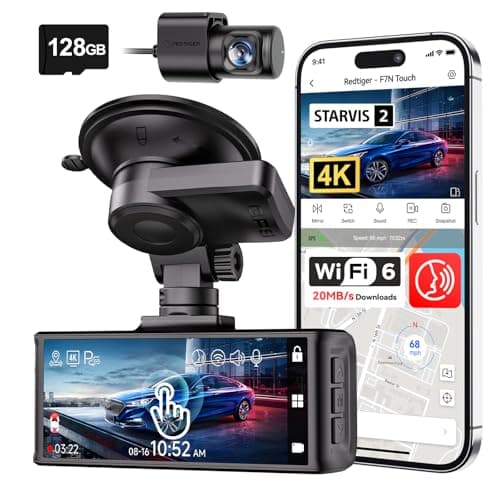 REDTIGER F7N Touch 4K Front + Rear Dash CamSTARVIS 2 sensor, 4K front, supercapacitor, GPS and a touch screen. On paper this is the most complete specification on this page. REDTIGER F7N Touch 4K Front + Rear Dash CamSTARVIS 2 sensor, 4K front, supercapacitor, GPS and a touch screen. On paper this is the most complete specification on this page. | The best-specified sensor here | $169.99 · View on Amazon #ad Price as of October 25, 2026. How we’re funded |
| 3 | 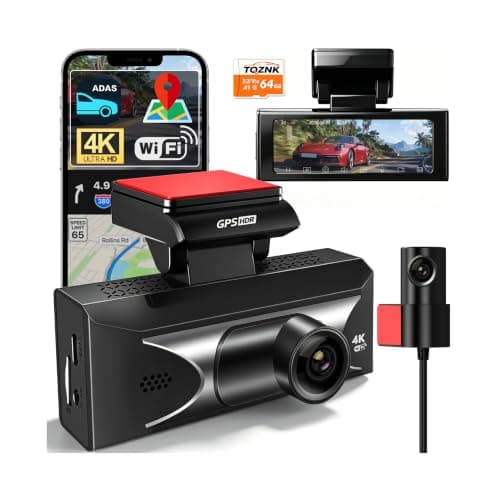 TQZNK 4K Front + 2.5K Rear Dash Cam with ADAS2.5K at the back rather than the usual 1080p, plus a supercapacitor rated from -22°F to 158°F — the widest published temperature range on this page. TQZNK 4K Front + 2.5K Rear Dash Cam with ADAS2.5K at the back rather than the usual 1080p, plus a supercapacitor rated from -22°F to 158°F — the widest published temperature range on this page. | The best rear resolution here | $89.97 · View on Amazon #ad Price as of October 25, 2026. How we’re funded |
#1 · Parking surveillance, done honestly
REDTIGER F7NP 4K Front + Rear Dash Cam, 24H Parking Mode
REDTIGER
The only camera here whose listing states plainly that 24-hour parking mode needs a hardwire kit — which is true of all of them and admitted by almost none.
Every 24-hour parking claim in this category assumes constant power. Your cigarette lighter socket usually dies with the ignition, so the camera dies with it.
A hardwire kit taps a fuse that stays live and includes a low-voltage cutoff so the camera stops before it flattens your battery. Budget for the kit and, if you are not comfortable behind a fuse panel, for the fitting.
REDTIGER saying this in the product title is the single most honest line in this category, and it is why this camera is on the page.
What works
- States the hardwire requirement up front
- STARVIS 2 sensor
- 5.8 GHz Wi-Fi
- Card included
What does not
- The hardwire kit is an extra purchase and an extra job
- Rear resolution not stated as 4K
- Fuse-tap installation voids nothing but does require care
Skip this if
Skip it if you will not hardwire it. Without constant power you have bought a driving camera, and the cheaper models on this page do that too.
Where these numbers came from
We have not handled this product. Here is what we did instead.
#2 · The best-specified sensor here
REDTIGER F7N Touch 4K Front + Rear Dash Cam
REDTIGER
STARVIS 2 sensor, 4K front, supercapacitor, GPS and a touch screen. On paper this is the most complete specification on this page.
STARVIS 2 is Sony's low-light sensor line and it is the specification that actually decides whether a night plate is readable. Resolution without sensor quality gives you a very sharp picture of nothing.
A supercapacitor instead of a lithium battery is the right choice for a device that lives on a windshield. Batteries swell and fail in summer heat; capacitors tolerate it.
Parking mode on a G-sensor trigger records on impact. It does not record the person who keyed your door and walked away — that needs a motion or time-lapse mode and, usually, a hardwire kit.
What works
- STARVIS 2 sensor, published
- Supercapacitor rather than a battery
- 5 GHz Wi-Fi transfers footage far faster than 2.4 GHz
- 128 GB card included
What does not
- Rear camera is 1080p, not 4K
- Parking mode is impact-triggered rather than continuous
- No published operating temperature range on this listing
Skip this if
Skip it if you want true 24-hour parking surveillance. That needs continuous power and a hardwire kit, and this is not sold as that.
Where these numbers came from
We have not handled this product. Here is what we did instead.
#3 · The best rear resolution here
TQZNK 4K Front + 2.5K Rear Dash Cam with ADAS
TQZNK
2.5K at the back rather than the usual 1080p, plus a supercapacitor rated from -22°F to 158°F — the widest published temperature range on this page.
Rear resolution is where this category cuts corners, and the rear camera is the one that films the car that rear-ends you. 2.5K is a real upgrade over 1080p for reading a plate at night.
-22°F matters if you park outside in a northern winter. A camera that will not boot at -10°F is not recording your morning commute.
ADAS on a $100 dash cam is a lane-departure beep, not a driver aid. Treat it as noise you can switch off.
What works
- 2.5K rear
- Widest published temperature range here
- 5.8 GHz Wi-Fi and a 64 GB card included
What does not
- ADAS is marketing rather than a safety system
- Newer listing with less history
- 24H parking still assumes constant power
Skip this if
Skip it if you park in a garage in a mild climate — you are paying for cold-weather margin you will not use.
Where these numbers came from
We have not handled this product. Here is what we did instead.
The DIY arithmetic
Where the DIY route goes wrong
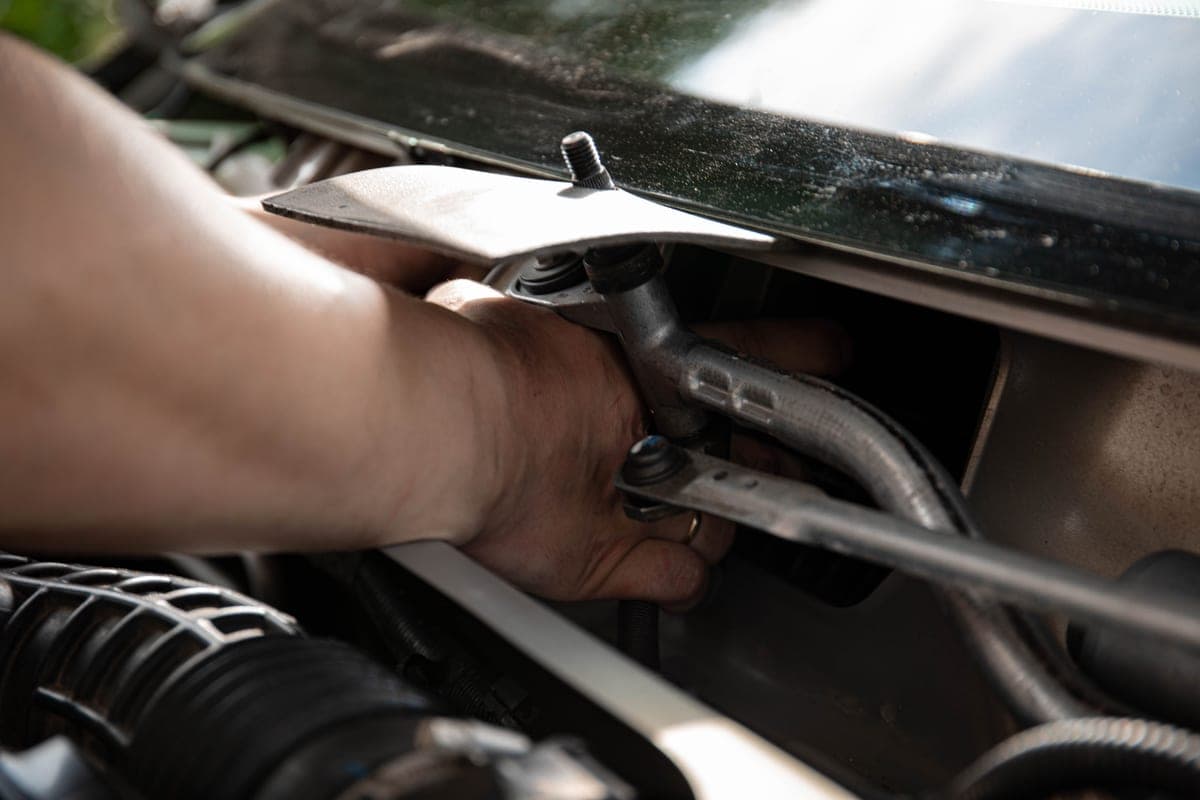
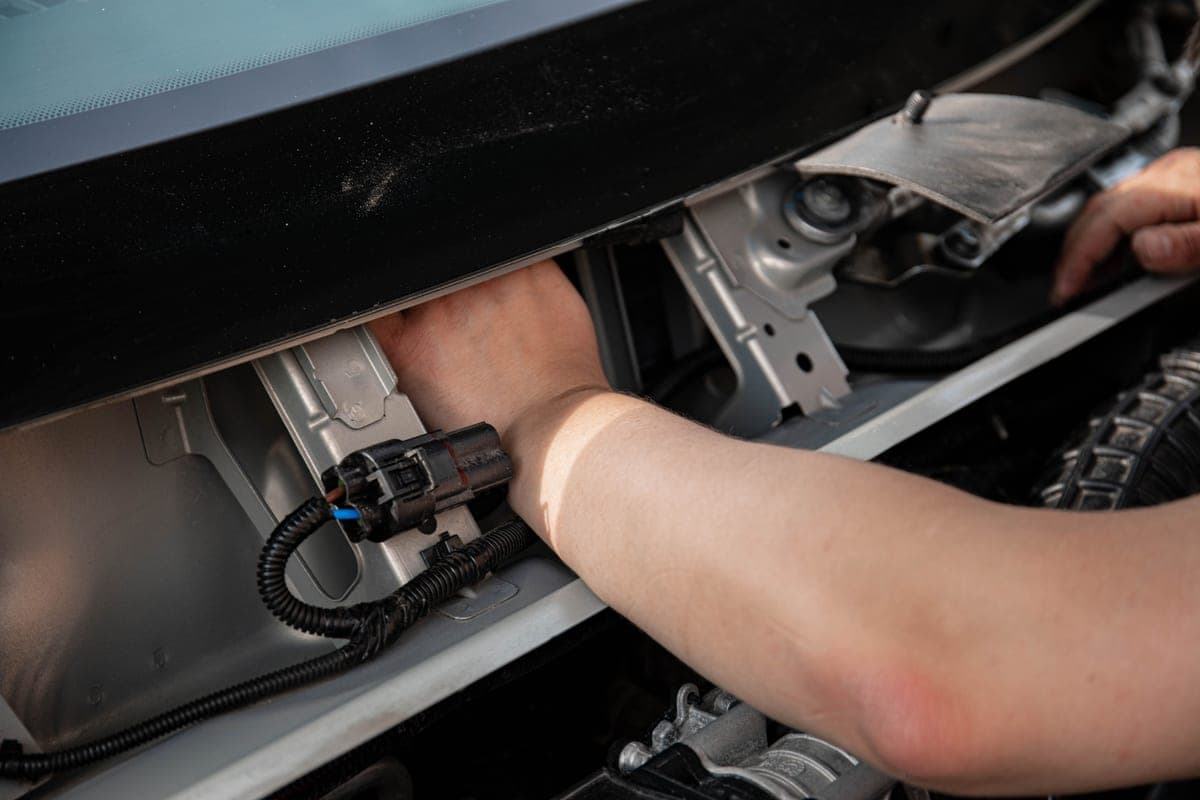
Two places, and both are worth knowing before you start. The fuse box, if you are not confident identifying a switched versus a constant fuse — a fuse tap in the wrong place either leaves the camera dead or leaves it running when the car is off. And the A-pillar, which on most modern cars covers a curtain airbag; the cable goes behind the trim panel, not across the airbag's path.
If either of those makes you uneasy, that is the argument for paying a shop, and the published labour figures above are what you are paying.
The cost people forget
The memory card. Dash cams rewrite continuously, which kills a standard card early and often silently — the camera appears to work and has recorded nothing for a month. A high-endurance card rated for surveillance use is a small line item and the one most likely to be skipped.
Is professional installation worth it?
For a socket-powered single camera, no — it takes two minutes. For a hardwired two-channel install with hidden wiring, the published $80 to $130 typical figure buys you a fuse tap done correctly, a cable run you cannot see, and someone else's responsibility if a trim clip breaks. For most people that is reasonable value.
Sources
Everything on this page traces back to one of these. Where a figure could not be sourced, the page says so rather than filling the gap.