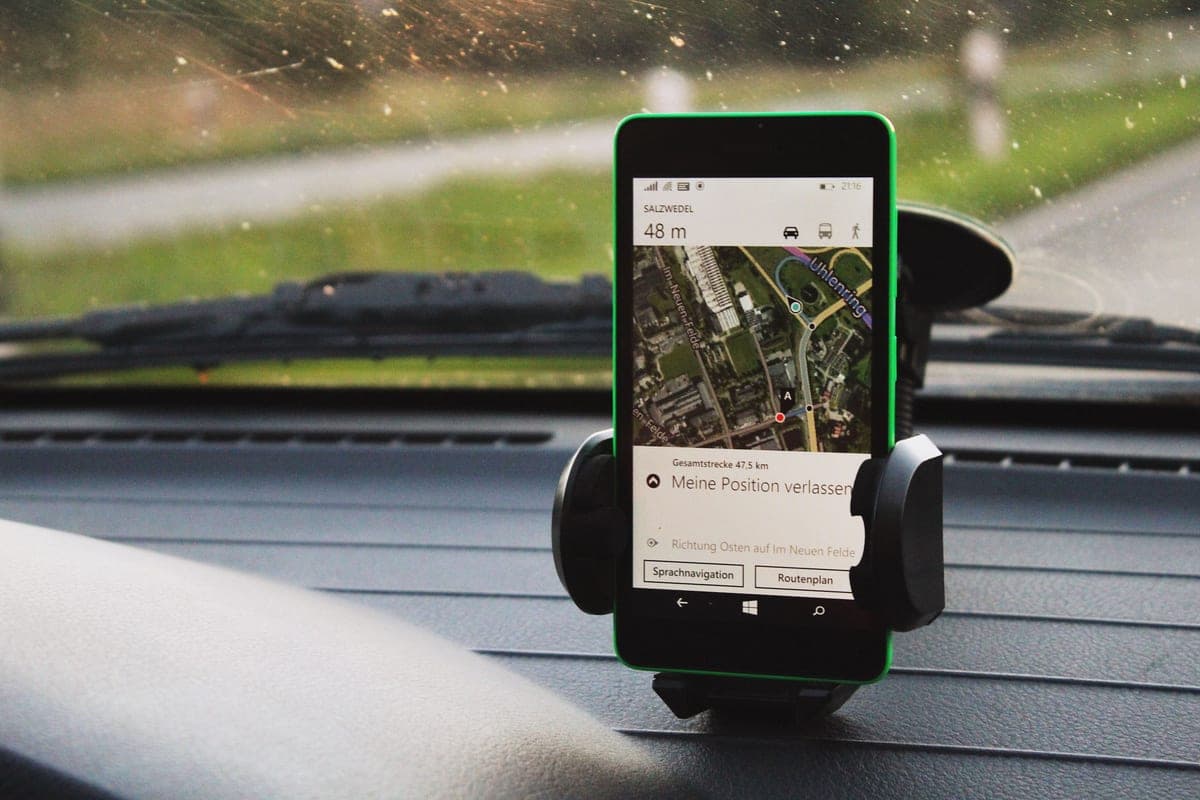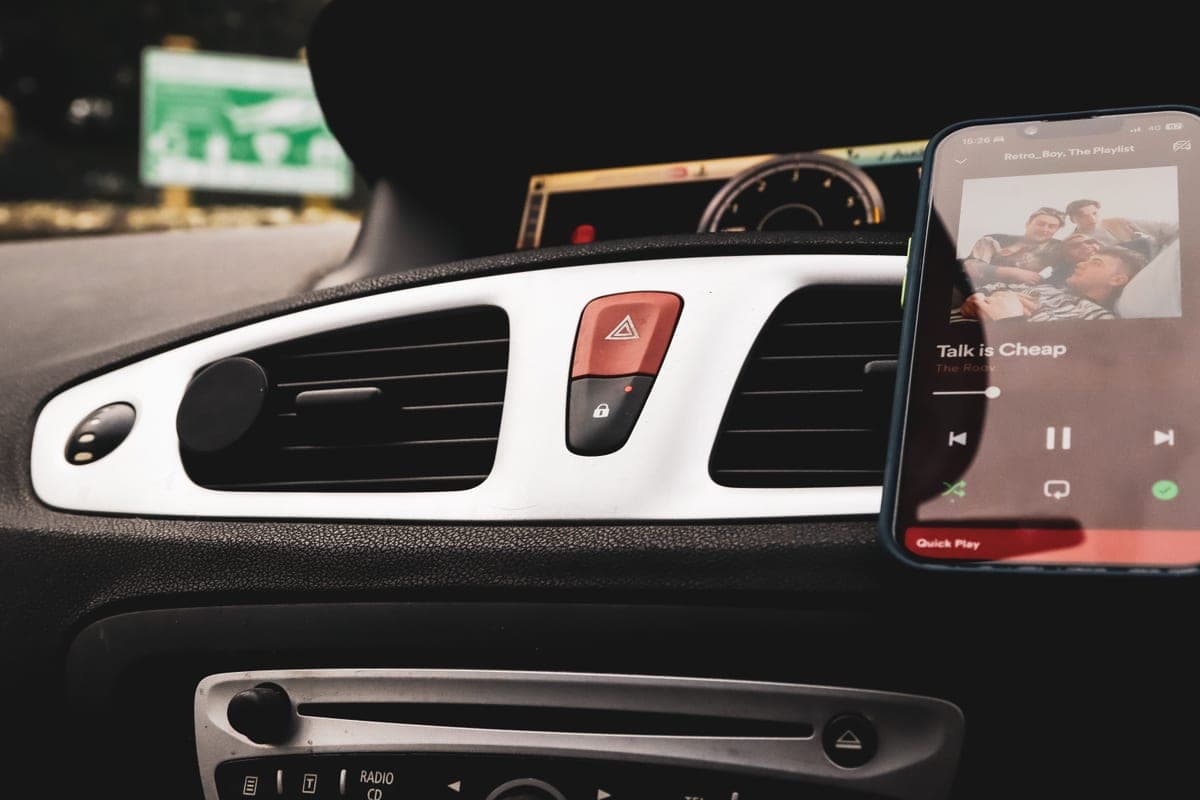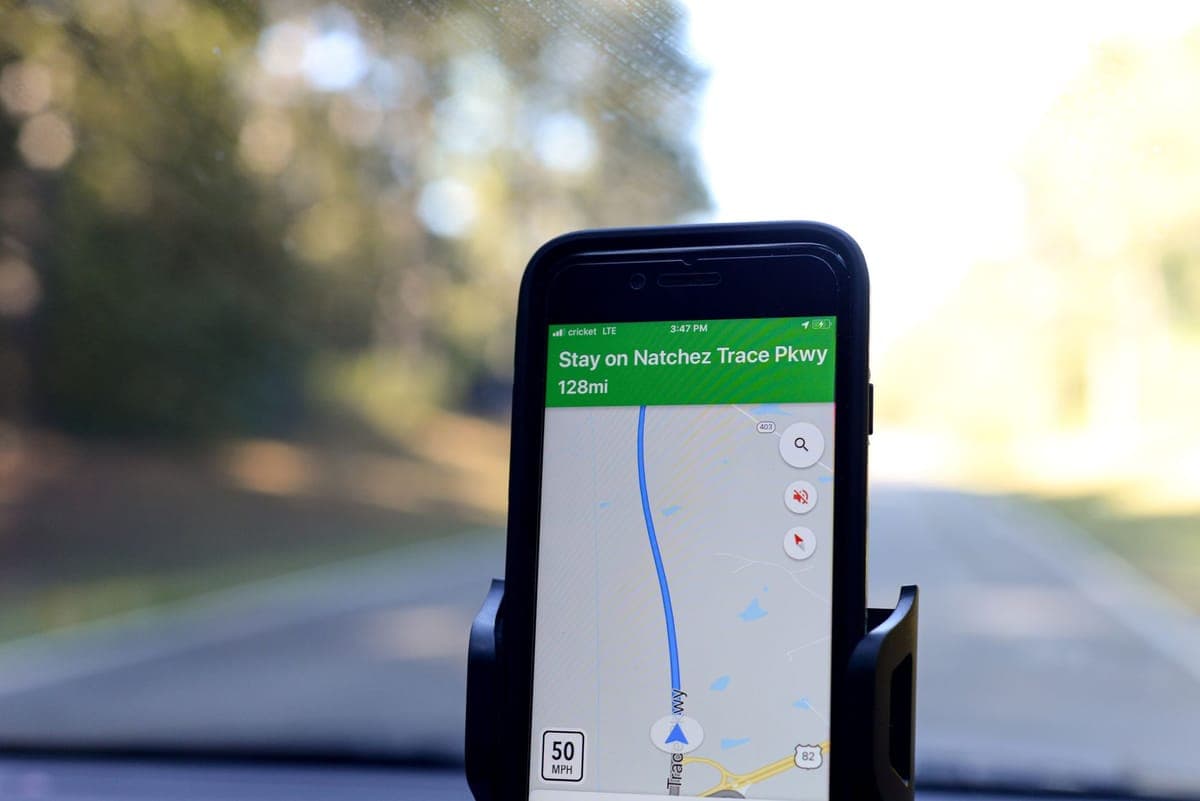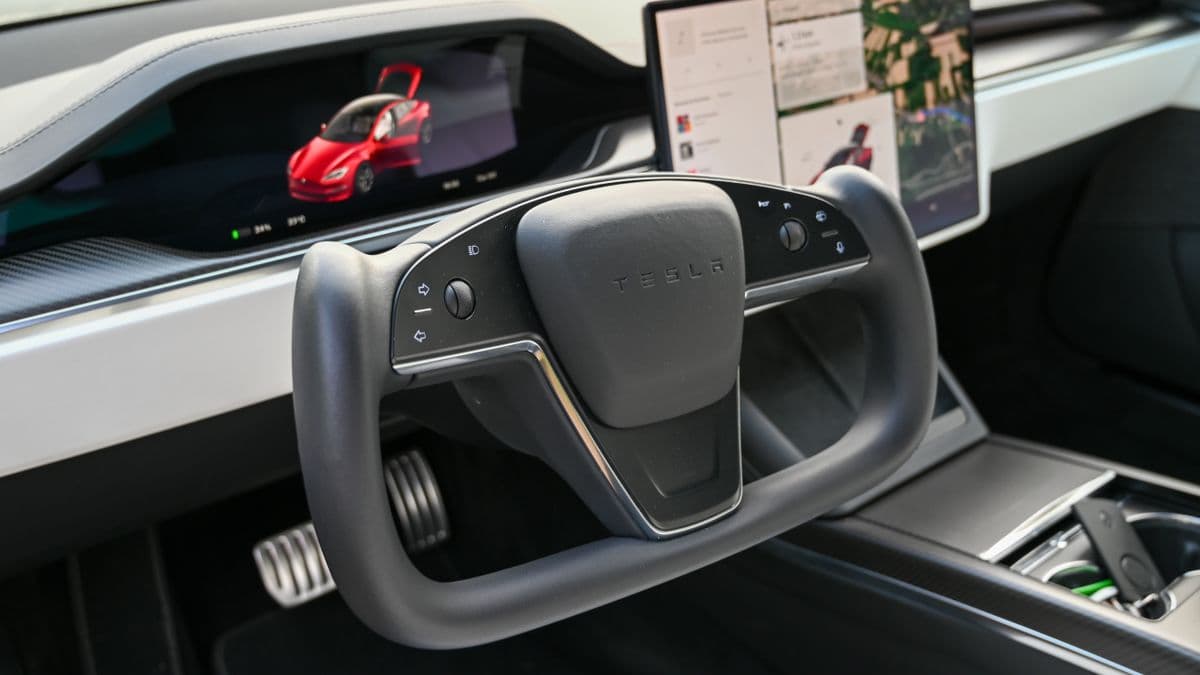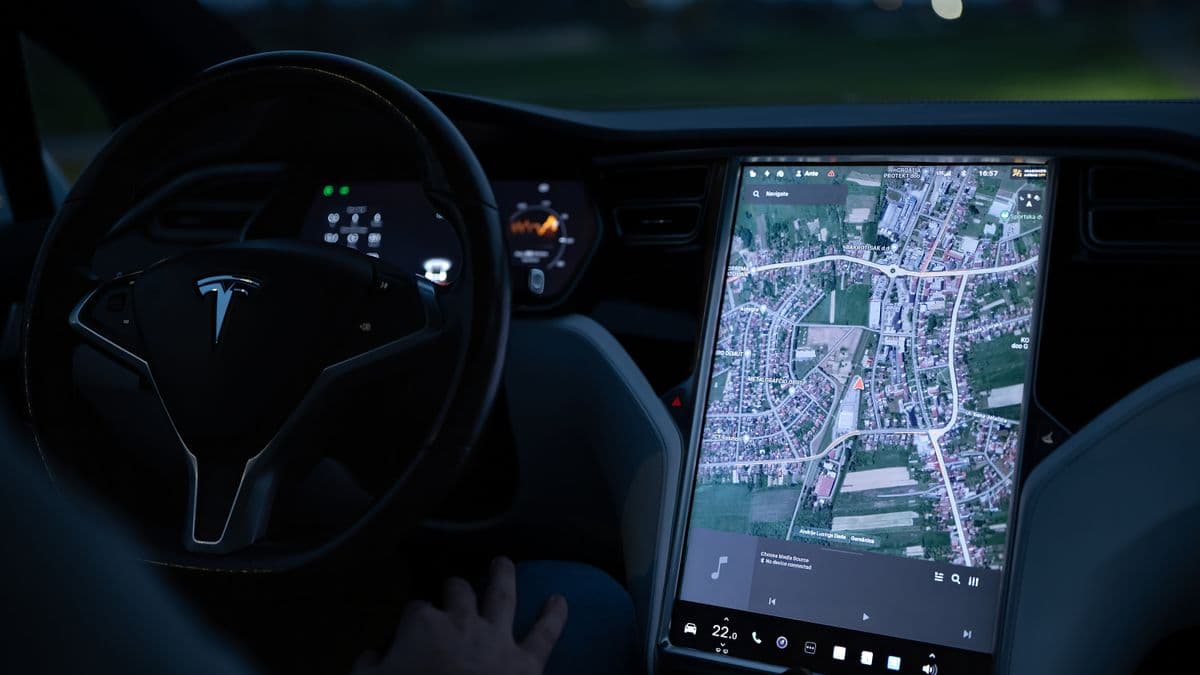
Walk through this site's phone mount pages and the answers all depend on a feature the car has: a vent with slats to clip, a dash with somewhere flat, a windshield for a suction cup, a cup holder to occupy. A Tesla cabin is designed to have as few of those as possible.
Which is why every product sold into this category attaches to the same object — the center display — and why the entire buying decision reduces to how it attaches.
Two ways to mount, and they fit different cars
| Method | How it attaches | Fits | Reversible? |
|---|---|---|---|
| Corner clamp | Grips the edges of the display with a sprung frame | Screens within a published thickness and with square corners | Yes — unclip it |
| Adhesive | Automotive tape on the back of the display housing | Any of the cars, including the ones clamps exclude | Only by peeling the tape |
That table is the decision. If your car is a pre-facelift Model 3 or Model Y, a clamp is cheaper, reversible and perfectly good. If you have a Juniper Model Y, a Highland Model 3 or a Cybertruck, read the fitment lines very carefully — because this is where the listings start disagreeing with each other.
The fitment claims contradict each other
UGREEN publishes a specification: the screen edge must be 11 mm or less, the back must not be curved, and all four corners must be square. It then names the Model Y Juniper as incompatible. A ten-dollar mount on the same search page claims Juniper, Highland and Cybertruck without publishing any measurement at all.
The adhesive mounts sidestep the argument entirely. Tape does not care about corner geometry, which is why the two adhesive mounts here claim five Tesla models between them including the Cybertruck.
Magnet grades are not holding strength
This category sells on magnets and publishes everything except the useful number. Two mounts here publish N55, two publish N52, one publishes a count of 24 with no grade — and not one publishes a pull force in pounds.
That is the same finding our MagSafe roundup reached across the wider market, and it has not improved. Grade describes the magnet material. Count describes how many are in the ring. Neither tells you what happens to a heavy phone in a case over a speed bump, because the answer depends on the contact area and the steel in your phone as much as on the magnets.
How we ranked these
- Does the listing publish a fitment measurement, or only a model list?
- Does it name the cars it does NOT fit? On a car whose interior has changed twice, that is the more useful half.
- What is published about the magnet — grade, count, pull force?
- Does it charge, and does it publish the wattage per phone type rather than one headline figure?
- What does removal cost: a click, or a peel?
| Spec | UGREEN | Lamicall | TORRAS | Lamicall | Pipiboo |
|---|---|---|---|---|---|
| Mounting method | Clamps the corners of the center display | Clamps all four corners of the center display | 3M 4910 adhesive behind the center display, folds flat | Clamps the four corners of the center display | Corner clamp with nine suction cups against the screen |
| Published fit | Tesla Model 3 and Model Y | Tesla Model 3 and Model Y only | Model S, 3, X, Y and Cybertruck | Tesla Model 3 and Model Y | Model 3, Model Y, Juniper, Highland and Cybertruck floating screens |
| Published fitment limits | Screen clamping thickness 11 mm or less, back not curved, all four corners square | Not published | Adhesive rated -40°F to 194°F, 60-second press, 24-hour cure | Not published | Not published |
| Explicitly excluded | Model Y Juniper, plus Mach-E, Ioniq 6, Rivian, Cybertruck and others | Any non-Tesla vehicle, stated | Not published | Not published | Any non-Tesla vehicle, stated |
| Magnet | Ring of N52 magnets, count not published | Built-in N55 ring magnet, count not published | 24 magnets in a closed ring, grade not published | N55 magnet, count not published | Ring of N52 magnets, count not published |
| Wireless charging | No — stated | No — stated | Not published | Up to 15W Android, 10W Samsung, 7.5W iPhone 12 and later | No — stated |
| Adjustment | 360-degree ball joint, one-click lock | 180-degree rotating arm and 360-degree ball joint, one-click lock | 360-degree ball joint plus a 360-degree rotating base | 180-degree arm, 360-degree ball joint, one-button latch | One-click lock, triangular support structure |
| Screen protector | Not recommended with one fitted | Not published | Not published | Not published | Not published |
| Removal technique | Not published | Slide the phone toward the display from the pivot side | Not published | Not published | Not published |
| Reversible | Not published | Not published | Adhesive stated to peel away cleanly | Not published | Not published |
| Power note | Not published | Not published | Not published | Listing advises against feeding it from a USB-A port | Not published |
| Materials | Not published | Not published | Not published | Not published | ABS with non-slip silicone |
Quick picks
| # | Product | Best for | Price |
|---|---|---|---|
| 1 | 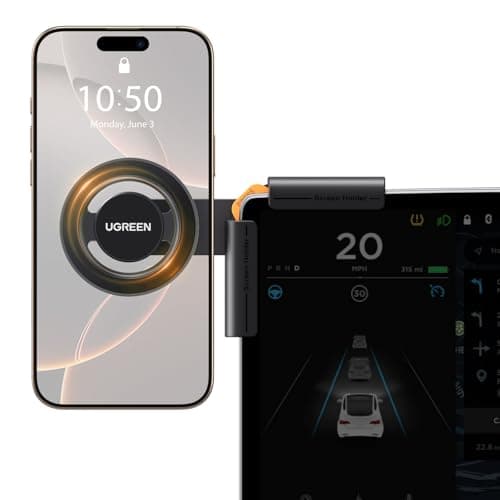 UGREEN Tesla Phone Mount, Screen ClampThe only mount in this category that publishes the three physical conditions your display has to meet — and the only one that names the Tesla generation it does not fit. UGREEN Tesla Phone Mount, Screen ClampThe only mount in this category that publishes the three physical conditions your display has to meet — and the only one that names the Tesla generation it does not fit. | Knowing before you buy whether it fits your screen | $16.99 · View on Amazon #ad Price as of October 25, 2026. How we’re funded |
| 2 | 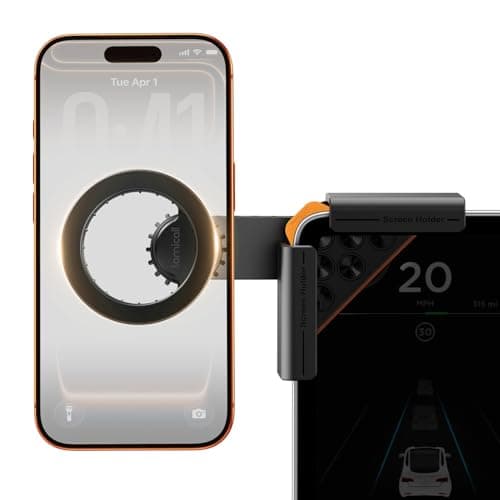 Lamicall Magnetic Phone Holder for Tesla Model 3 and YThe strongest published magnet grade here and the only listing that bothers to tell you the phone comes off sideways, which is the thing every owner of one of these works out by yanking. Lamicall Magnetic Phone Holder for Tesla Model 3 and YThe strongest published magnet grade here and the only listing that bothers to tell you the phone comes off sideways, which is the thing every owner of one of these works out by yanking. | The clamp that explains how to take the phone off | $16.99 · View on Amazon #ad Price as of October 25, 2026. How we’re funded |
| 3 | 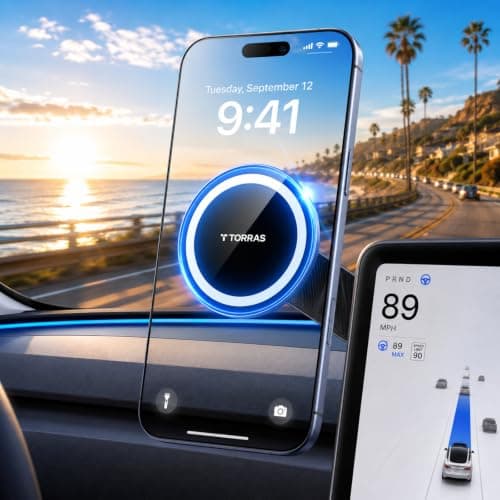 TORRAS Stow Tesla Phone Mount, Adhesive, FoldableSticks behind the display rather than clamping it, which is what makes it the option for the cars the clamps exclude — and it publishes the adhesive grade, the temperature range and the cure time. TORRAS Stow Tesla Phone Mount, Adhesive, FoldableSticks behind the display rather than clamping it, which is what makes it the option for the cars the clamps exclude — and it publishes the adhesive grade, the temperature range and the cure time. | Newer Teslas, and anyone who wants the mount to disappear | $46.69 · View on Amazon #ad Price as of October 25, 2026. How we’re funded |
| 4 | 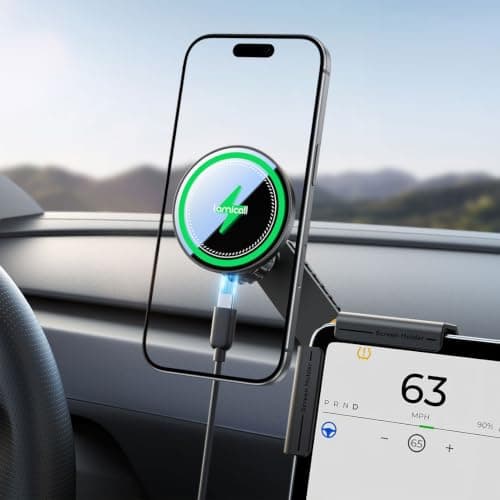 Lamicall Tesla Phone Mount Charger for Model 3 and YThe only mount here that charges, and unusually it publishes the three different wattages you actually get rather than the one big number on the box. Lamicall Tesla Phone Mount Charger for Model 3 and YThe only mount here that charges, and unusually it publishes the three different wattages you actually get rather than the one big number on the box. | Charging without running a cable across the console | $35.99 · View on Amazon #ad Price as of October 25, 2026. How we’re funded |
| 5 | 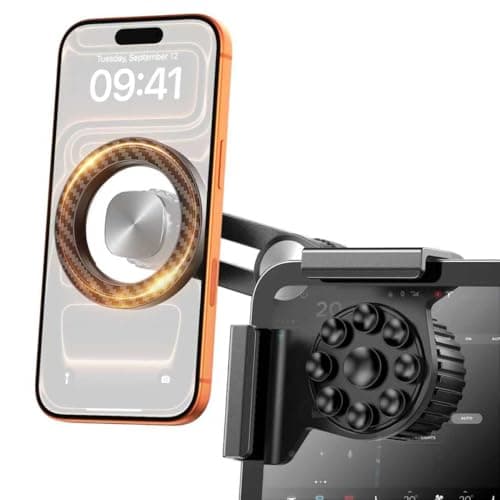 Pipiboo Tesla Magnetic Phone Mount for ScreenTen dollars, a nine-cup suction pad against the glass instead of a hard clamp, and a fitment list that includes the newer cars the premium clamps exclude. Pipiboo Tesla Magnetic Phone Mount for ScreenTen dollars, a nine-cup suction pad against the glass instead of a hard clamp, and a fitment list that includes the newer cars the premium clamps exclude. | The cheapest way into the category | $9.99 · View on Amazon #ad Price as of October 25, 2026. How we’re funded |
#1 · Knowing before you buy whether it fits your screen
UGREEN Tesla Phone Mount, Screen Clamp
UGREEN
The only mount in this category that publishes the three physical conditions your display has to meet — and the only one that names the Tesla generation it does not fit.
Every mount in this class claims to fit a Tesla. This one tells you what fitting actually requires: an 11 mm or thinner edge, a flat back and square corners. If your screen fails any of those, no amount of brand reputation changes the outcome.
The Juniper exclusion is the part to read twice. Tesla changed the Model Y's interior, and a mount designed around the older display geometry does not simply adapt — the maker here says so instead of leaving you to find out.
The magnet is an N52 ring with no published count and no published pull force, which is the same gap this site has documented across the whole MagSafe category. Grade and count are not a holding-strength specification.
What works
- Publishes a measurable fitment limit rather than a model list alone
- Names the generations and vehicles it does not fit
- States plainly that it does not charge, rather than implying it might
- Clamps rather than sticks, so nothing is bonded to the car
What does not
- No published magnet count or pull force, only the grade
- Not compatible with the current Model Y Juniper
- A screen protector may stop it fitting, and the listing says so
- Clamping the display edge puts hardware in the driver's sightline
Skip this if
Skip it if you have a Juniper Model Y or a Highland Model 3 with a screen protector. Both are named or implied limits on the listing, and the adhesive mounts are the answer for the newer cars.
Where these numbers came from
We have not handled this product. Here is what we did instead.
#2 · The clamp that explains how to take the phone off
Lamicall Magnetic Phone Holder for Tesla Model 3 and Y
Lamicall
The strongest published magnet grade here and the only listing that bothers to tell you the phone comes off sideways, which is the thing every owner of one of these works out by yanking.
N55 is the highest magnet grade published on this page. Whether that translates into a stronger hold than UGREEN's N52 is unknowable from the listings, because neither publishes a pull force — grade describes the material, not the assembly.
The removal instruction is a small thing that says something larger. A mount clamped to a screen edge fails by being pulled the wrong way, and this is the only maker that anticipates it in writing.
It is also the cheapest of the clamp mounts here that comes from a brand the site has ranked elsewhere, which is worth something in a category full of one-listing sellers.
What works
- Highest published magnet grade in this group
- Publishes the correct removal technique, which protects the screen edge
- Thickened silicone pad against the display, stated
- Metal ring included for phones without MagSafe
What does not
- Publishes no screen thickness or geometry limit, unlike the UGREEN
- No magnet count or pull force published
- No wireless charging, stated
- Not recommended with a screen protector fitted
Skip this if
Skip it if you want to know it fits before it arrives. This listing gives you a model list where the UGREEN gives you a measurement, and on a car whose interior has changed twice, a measurement is worth more.
Where these numbers came from
We have not handled this product. Here is what we did instead.
#3 · Newer Teslas, and anyone who wants the mount to disappear
TORRAS Stow Tesla Phone Mount, Adhesive, Foldable
TORRAS
Sticks behind the display rather than clamping it, which is what makes it the option for the cars the clamps exclude — and it publishes the adhesive grade, the temperature range and the cure time.
Adhesive solves the problem the clamps have: it does not care about the thickness or corner geometry of your display, which is why this one covers five Tesla models including the Cybertruck.
What you trade is reversibility. 3M 4910 is a genuine automotive-grade tape and the listing rates it from -40°F to 194°F, but a bonded mount is a decision, where a clamp is a purchase.
Twenty-four magnets is the highest count published here, and — as with every other mount on this site — a count is not a holding force. Nobody in this category publishes pounds.
What works
- Fits the newer Teslas the corner clamps exclude, including Cybertruck
- Publishes the adhesive grade, its temperature range and the cure time
- Folds flat behind the screen when not in use
- Two metal rings included for non-MagSafe phones
What does not
- Bonded to the car — removal is a decision, not a click
- Publishes a magnet count but no grade and no pull force
- Nearly five times the price of the cheapest mount here
- Nothing published about wireless charging, so assume there is none
Skip this if
Skip it if the car is leased and you are fussy about returning it untouched. The tape is stated to peel cleanly, but clean is a manufacturer's word and a clamp leaves nothing behind at all.
Where these numbers came from
We have not handled this product. Here is what we did instead.
#4 · Charging without running a cable across the console
Lamicall Tesla Phone Mount Charger for Model 3 and Y
Lamicall
The only mount here that charges, and unusually it publishes the three different wattages you actually get rather than the one big number on the box.
Publishing 15W, 10W and 7.5W separately is the honest version of this specification. A charger that says 15W and delivers 7.5W to an iPhone is not lying, but it is not telling you the number you needed either.
The USB-A warning is worth heeding and it is on the listing: a low-power legacy port is the usual reason one of these charges slower than the phone discharges while navigating.
Everything else is the same clamp platform as the cheaper Lamicall, so the fitment questions and the screen protector caveat carry across unchanged.
What works
- Publishes per-platform charging wattages instead of one headline figure
- Same N55 clamp platform as the cheaper Lamicall mount
- Temperature control chip and over-current protection stated
- Warns you off the USB-A port that would undermine it
What does not
- 7.5W to an iPhone is modest for the price
- Still needs a cable to the mount, so the console is not truly clear
- No published screen thickness limit
- Roughly twice the price of the same maker's non-charging version
Skip this if
Skip it if your drives are short. Wireless charging at 7.5W on a twenty-minute commute adds very little, and the non-charging version of this mount does the holding job for half the money.
Where these numbers came from
We have not handled this product. Here is what we did instead.
#5 · The cheapest way into the category
Pipiboo Tesla Magnetic Phone Mount for Screen
Pipiboo
Ten dollars, a nine-cup suction pad against the glass instead of a hard clamp, and a fitment list that includes the newer cars the premium clamps exclude.
The suction cups are the interesting part. They spread the load across the display face rather than concentrating it on the edge, which is a reasonable answer to the obvious worry about clamping a screen.
Its claimed fitment list is broader than UGREEN's — it names Juniper and Highland where UGREEN excludes Juniper outright. Two listings in the same category disagreeing about the same car is a reason to measure your own screen rather than trust either.
At this price nothing is published beyond the magnet grade and the materials, and that is the trade you are making.
What works
- Cheapest mount here by a wide margin
- Suction cups spread the contact patch instead of gripping only the edge
- Claims the newer floating-screen cars, including Cybertruck
- States plainly that it does not charge
What does not
- No published fitment measurement of any kind
- Its fitment claim contradicts UGREEN's exclusion of the Juniper
- No magnet count or pull force published
- One-listing seller, so there is no track record to check
Skip this if
Skip it if you are mounting a large phone in a heavy case. This is the lightest-duty mount on the page and the one with the least published about what holds it there.
Where these numbers came from
We have not handled this product. Here is what we did instead.
A note on screen protectors and screen damage
Two of the clamp listings state that they are not recommended with a screen protector fitted, which is worth taking seriously — a protector adds thickness at exactly the edge the clamp grips, and a clamp designed for 11 mm does not care that the extra millimeter is glass.
The wider worry — that clamping the display damages it — is not something any listing addresses with evidence. What they do instead is pad the contact: silicone pads on the clamps, and on the cheapest mount here, nine suction cups that spread the load across the face rather than concentrating it on the edge. That is a design answer rather than a test result, and we are not going to present it as more than that.
What nobody publishes
- Pull force in pounds, on any mount in this category.
- A screen thickness figure on four of the five listings here — only UGREEN states one.
- Any test of the clamping force against the display's own tolerance.
- What the adhesive mounts weigh, which matters for a tape bond hanging off a screen housing.
- Whether the adhesive mounts obstruct the screen's own airflow or wiring, which is the question their placement raises.
Sources
Everything on this page traces back to one of these. Where a figure could not be sourced, the page says so rather than filling the gap.
- UGREEN Tesla phone mount — published screen clamping thickness of 11 mm maximum with a flat back and square corners, stated not compatible with Model Y Juniper, N52 magnet ring, no wireless charging. Retailer listing, Amazon.com (retrieved 2026-09-27)
- Lamicall magnetic phone holder for Tesla Model 3 and Y — N55 ring magnet, four-corner clamp, published removal technique. Retailer listing, Amazon.com (retrieved 2026-09-27)
- TORRAS Stow Tesla phone mount — 3M 4910 adhesive rated -40°F to 194°F with a 60-second press and 24-hour cure, 24-magnet ring, stated for Model S/3/X/Y and Cybertruck. Retailer listing, Amazon.com (retrieved 2026-09-27)
- Lamicall Tesla phone mount charger — published charging at up to 15W Android, 10W Samsung and 7.5W iPhone 12 and later. Retailer listing, Amazon.com (retrieved 2026-09-27)
- Pipiboo Tesla magnetic phone mount — nine suction cups plus corner clamp, N52 magnet ring, stated for Model 3, Model Y, Juniper, Highland and Cybertruck floating screens. Retailer listing, Amazon.com (retrieved 2026-09-27)